


How to take screen shots in computer
- kasungayathra218
- Nov 10, 2020
- 1 min read

in this post i will going to show you how to takes screen shots in computer using snippin tool.
1. type as the snippin tool in the run bar.


2.then you can see a small window and now you can select a mode that you want to snip. Thee are 4 types, : 1) free from snip
: 2) rectangular snip
:3) window snip
:4) full screen snip


If you want to a take screen shot for specific are then you can select free form snip type.


If you want take a rectangular screen shot then you can select rectangular snip type. after that drag and select the area that you want to take snip.


After the take snip you can edit that as below.

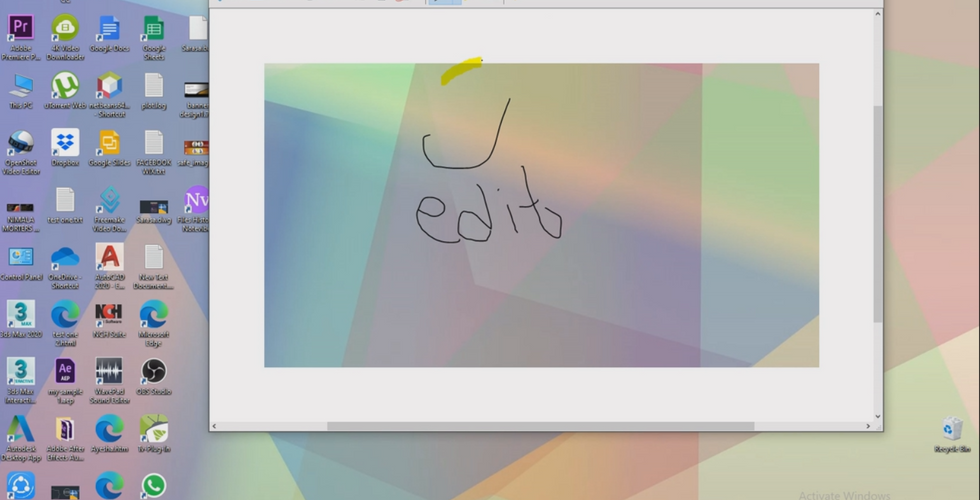
You can save this screen shot go to
file ------ save as ------save


Comments